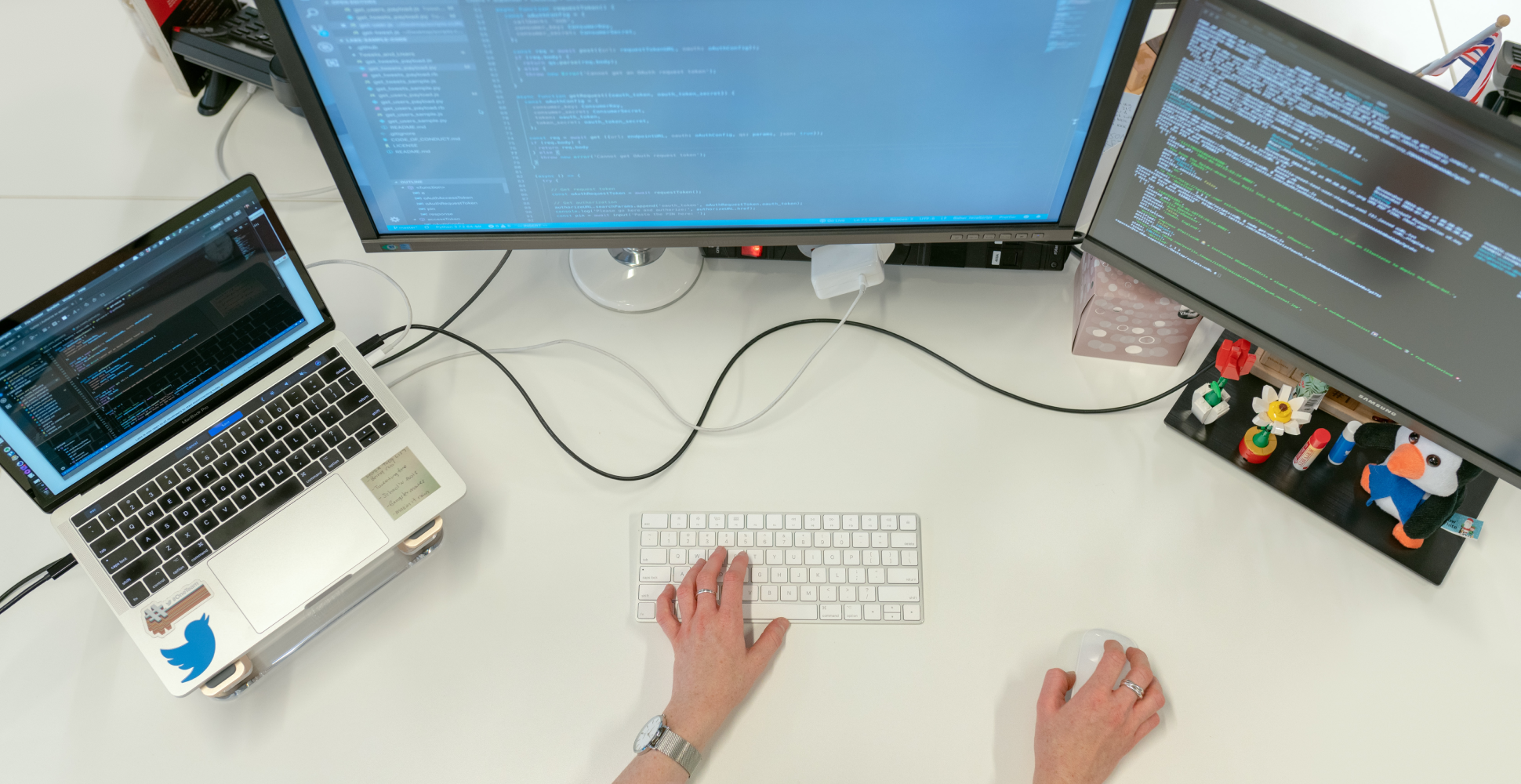
How I shape a better work-from-home workstation
A productive home workstation is rarely about buying the most expensive gear. It is usually about reducing friction. Good lighting, a clear desk, reliable audio, and an intentional screen layout can make more difference than another new device.
I have learned that the most useful workstation upgrades are the ones you stop noticing after a week. A monitor at the right height, a keyboard you can type on for hours, and cable management that keeps your desk calm all contribute to focus in subtle but meaningful ways.
Design for the work you actually do
If your day is mostly writing and meetings, optimize for comfort and clarity. If your day is mostly design or editing, prioritize visual consistency. The workstation should support your habits rather than advertise your shopping history.
A great setup feels quiet. It removes little interruptions so your attention can stay on the work instead of the tools.
One overlooked detail is reset time. A clean setup is easier to return to after a hard session. That matters because consistency is often built not during the perfect days, but during the ordinary ones when you need the environment to carry you.
A calm desk often leads to clearer thinking.
My rule is simple: every object on the desk should either help the current task or make the next session easier to start. If it does neither, it probably does not need to live there.